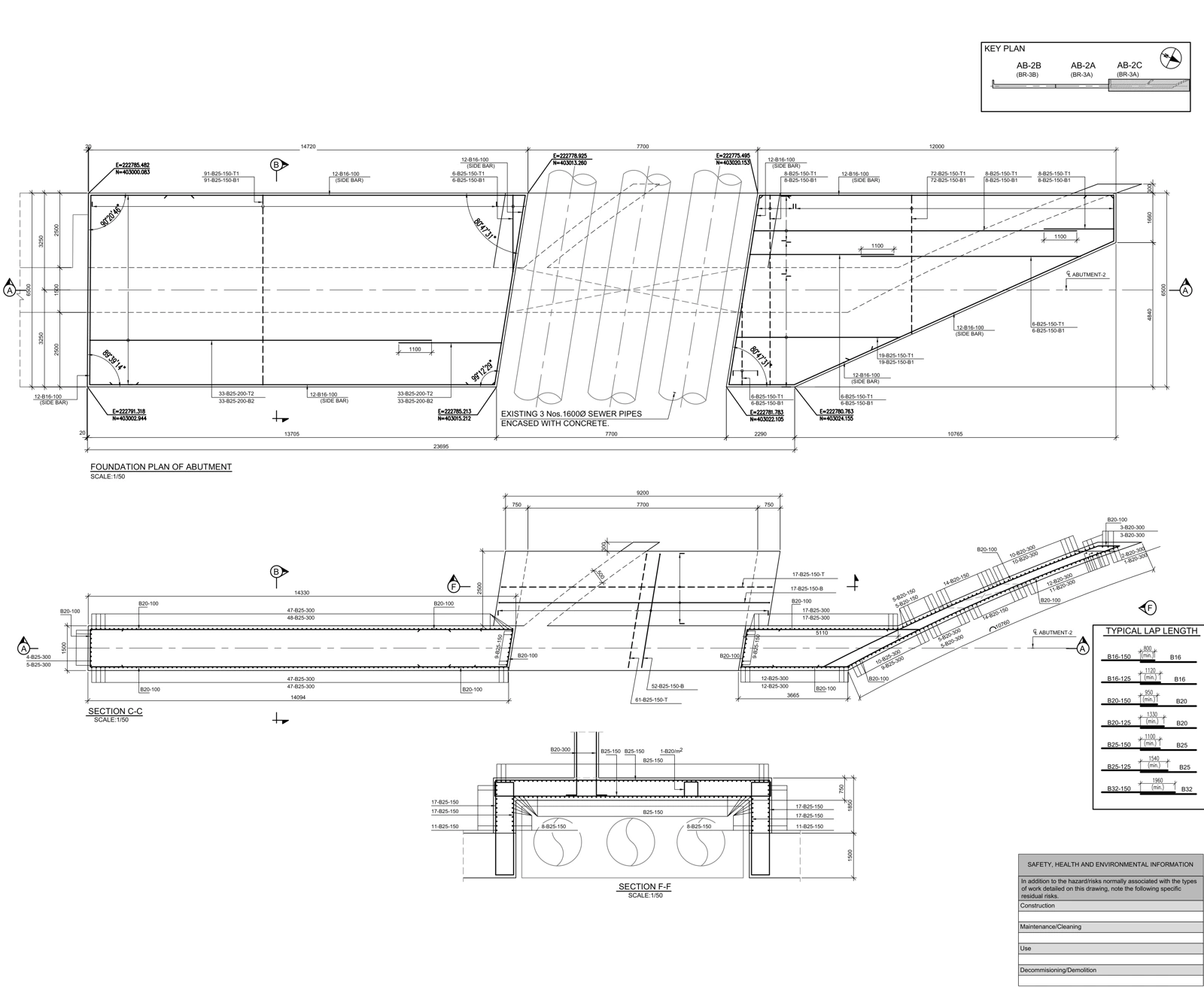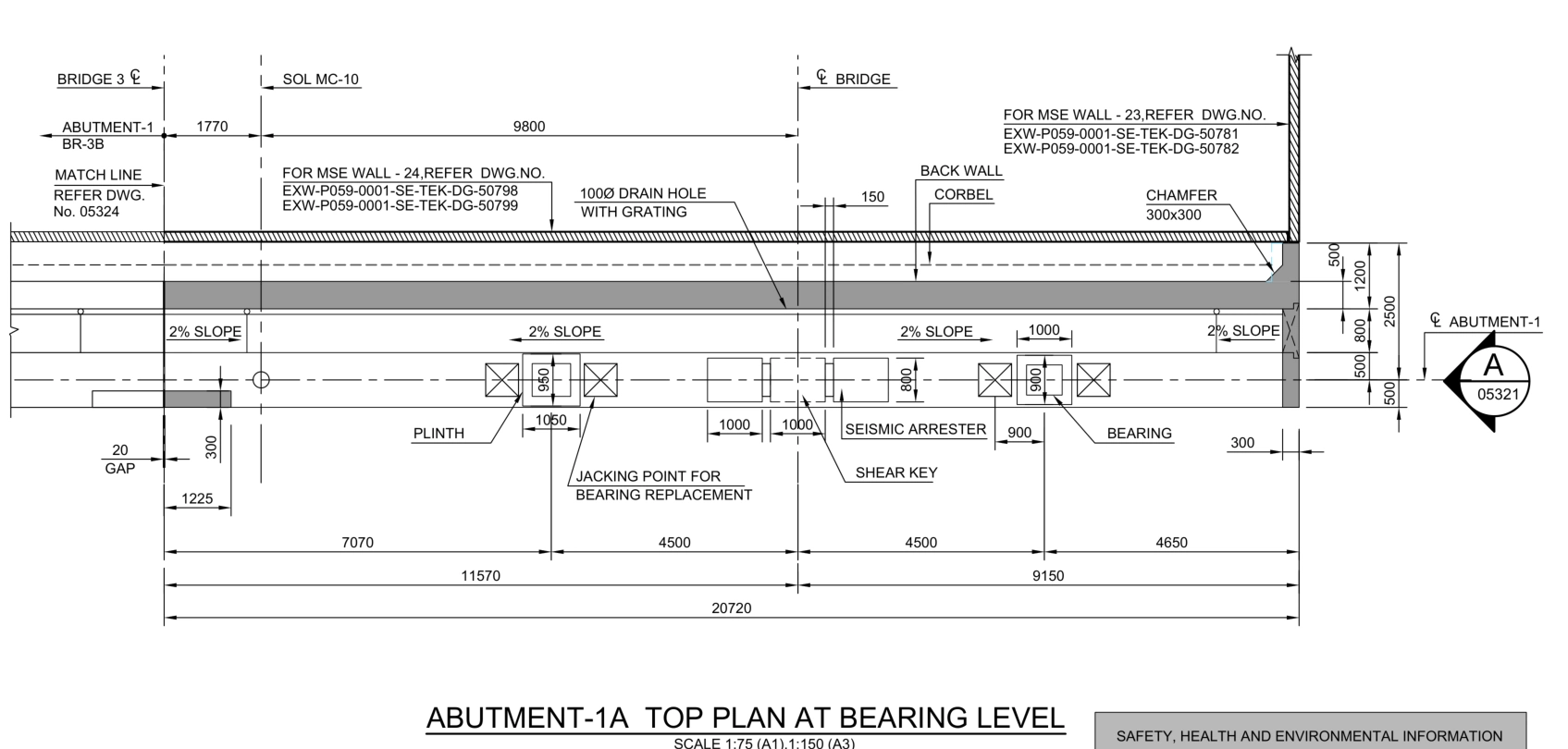
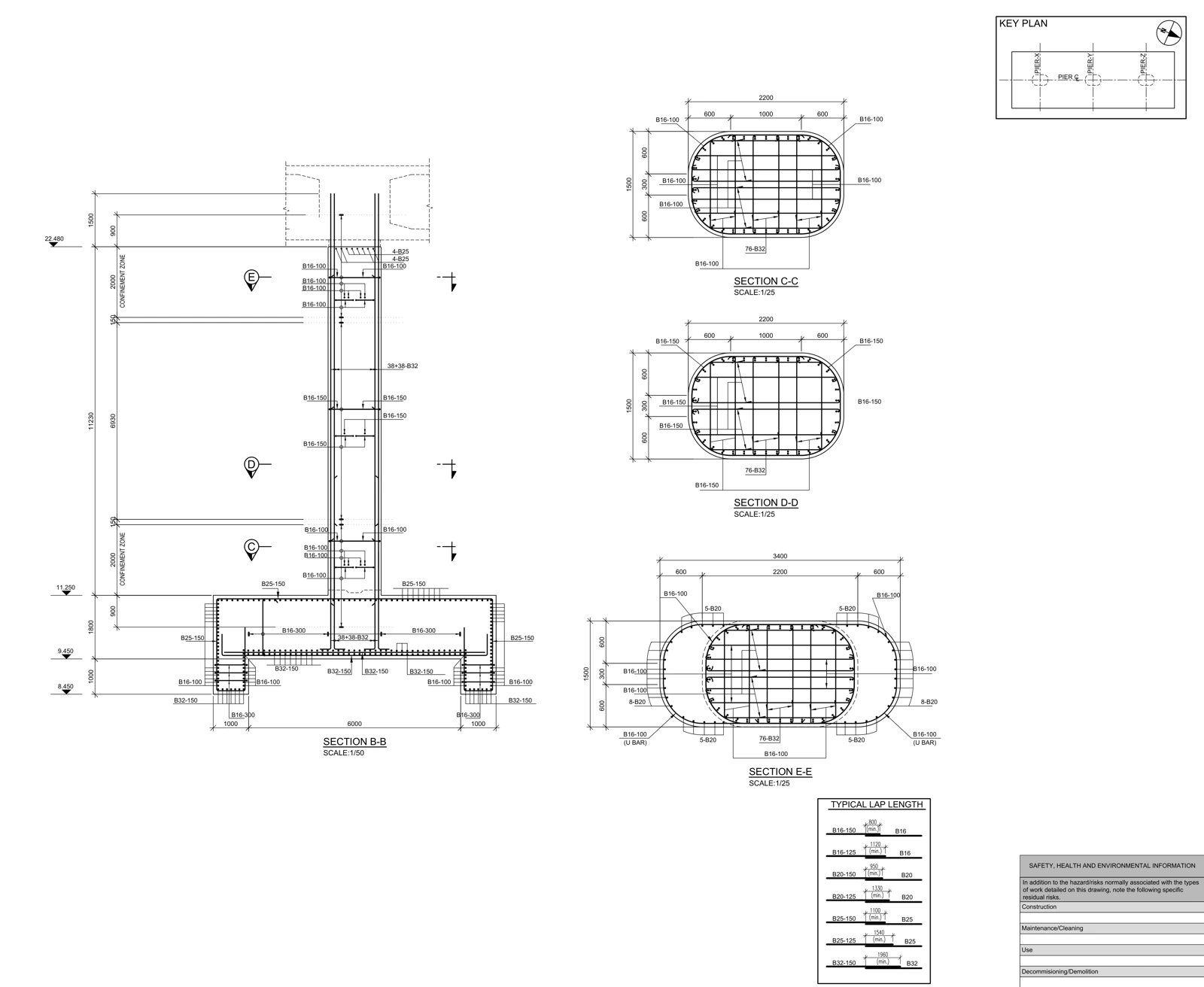
Review a Revit reinforcement package in four layers: concrete host geometry, bar placement, drawing presentation and schedule scope. Prove the complete chain on a representative pilot element before repeating it across the project.
Start with a representative production pilot
Do not select a pilot merely because it is easy to model. Choose an element that exposes relevant project difficulties: a changing section, foundation connection, confinement zone or opening. Produce its model, plan, section, tags and bar schedule together. The purpose is to validate the delivery convention before production scales up.
Keep the accepted pilot as a reference package. Naming, drawing scale, line weights, tagging and schedule fields should not depend on each detailer’s personal interpretation. A shared example makes later review more precise: the question becomes whether an output follows the agreed convention, rather than whether it looks familiar to an individual reviewer.
Check the host and geometry relationship
Revit reinforcement tools support suitable concrete hosts including structural columns, beams, walls, foundations and floors. Autodesk — Reinforcement ↗
For quality review, record more than the outer concrete shape. Check the host identity, section changes, cover faces, working plane and reinforcement direction against the supplied detail. After a geometry change, revisit critical sections to verify that the intended relationships remain valid.
Copying a cage can create a plausible result in an element with a different length, orientation or connection boundary. Inspect start and end sections and the congested connection zone after repeated placement. A successful copy operation is not evidence that the resulting arrangement matches the approved input.
Related workflow: Rebar quantity checks: reconcile bar marks, counts and cutting lengths ↗
Treat bar marks as structured identifiers
Define reinforcement partitions before the numbering convention becomes embedded in hundreds of tags. Revit’s numbering relationship is partition-aware. Autodesk — Rebar Numbering for Schedules and Annotation ↗
An audit key can combine element, partition and bar number. Where the fabricator requires another marking or packaging convention, include an explicit mapping. A changed identifier must be distinguishable from changed geometry; otherwise a revised schedule may appear to contain new bars when it only renumbers existing ones.
Test what the PDF reader can actually understand
| Review | Evidence | Acceptance condition |
|---|---|---|
| Cut and background bars | Critical section and elevation | Layers remain distinguishable |
| Tag association | Tag and target object | Correct bar is identified |
| Repeated elements | Plan note and scope register | Multiplier is explicit |
| Shape and length | Dimensions and schedule | Consistent measurement convention |
| Issue status | Drawing and transmittal | Consistent release state |
Open the exported PDF at its intended sheet size. Labels that overlap, direction indicators that disappear and congested lines can be missed while zoomed into a model. Test the actual downstream artifact, not only the authoring view. A usable drawing should let the reviewer find the element, follow its section and identify its reinforcement without reconstructing the author’s intentions.
Explore the source document: Real drawing study: bridge pier reinforcement details ↗
Include schedule configuration in the review
Reinforcement rounding has its own settings in Revit. Before treating a displayed length difference as a geometry defect, verify the relevant rounding configuration. Autodesk — Reinforcement Rounding ↗
Define the schedule’s intended population: block, level, pour package and issue status. Trace selected rows back to their model objects. If a total differs, investigate scope, filters, grouped rows and repeated elements as separate causes. Retain an itemized audit export where it helps reproduce the check; a compact fabrication schedule need not be the only review artifact.
Release a consistent snapshot
The delivery matrix should connect filenames, model version, drawing revision, schedules and unresolved queries. Record preparation and checking separately. An unanswered design question should retain an explicit status; an empty cell should not silently imply acceptance.
The RVT, PDF and agreed data exports need to represent the same release. If the model is newer than its drawings, the recipient cannot reliably determine which information governs. A well-controlled handover makes that relationship explicit and records any agreed exceptions.
Frequently asked questions
Is any Revit rebar model fabrication-ready?
No. Readiness depends on the agreed scope, approved inputs, drawing and schedule checks, and the project’s authorized release process.
Why use a pilot package before full production?
A representative element tests model geometry, tagging, drawing presentation and schedules together, allowing conventions to be agreed before they are repeated throughout the project.
References and scope
Primary references for software behavior and information-exchange concepts are listed below. Review matrices are workflow examples prepared for AKSVERO. This article is not a project-specific design calculation or construction approval.
Founding technical specialist · Technical drafter · 40 years of industry experience.
Explore the expertise profile ↗